
Managing payroll and employee tax data becomes increasingly complex as a business grows all over the world. In businesses that require a substantial number of employees, the manual processing of W-2s can cause mistakes, delays, and legal problems. That is where a W-2 generator becomes valuable for remote workers, freelancers, and self-employed people. It makes employee tax forms easier to create, organize, and manage, and makes the process more accurate and consistent. Regardless of the size of your business (scaling up or a large organization), W-2 generators could be of great help when it comes to the processing of workforce data.
This blog will discuss the importance of W-2 forms, how generators can make the management of workforce data easier, and provide a step-by-step guide to using them.
What Is a W-2 Form and Why Does It Matter?
A W-2 form is a legal document that reports the yearly wages of an employee and the taxes that are deducted by the employer. It is required for tax filing and must be provided to employees and tax authorities each year.
W-2 forms are important in businesses with many employees, as they:
- Report the earnings of the employees properly.
- Ensuring adherence to tax laws.
- Assistance to employees in the correct filing of their tax returns.
- Keeping open payroll records.
Managing hundreds or thousands of W-2 forms can quickly become challenging without proper systems.
Challenges of Managing Large Workforce Data
Handling workforce data at scale involves multiple challenges. As the number of employees increases, so does the complexity of payroll and tax reporting.
Common Challenges
| Challenge | Impact on Business |
| Manual Data Entry | Increases the risk of errors in wages and tax calculations |
| Data Inconsistency | Different formats create confusion and reporting issues |
| Time-Consuming Processes | Preparing forms manually takes significant administrative time |
| Compliance Risks | Errors can lead to penalties or legal complications |
| Data Management | Difficult to organize and retrieve employee records efficiently |
These challenges highlight the need for an automated and reliable solution like a W-2 generator.
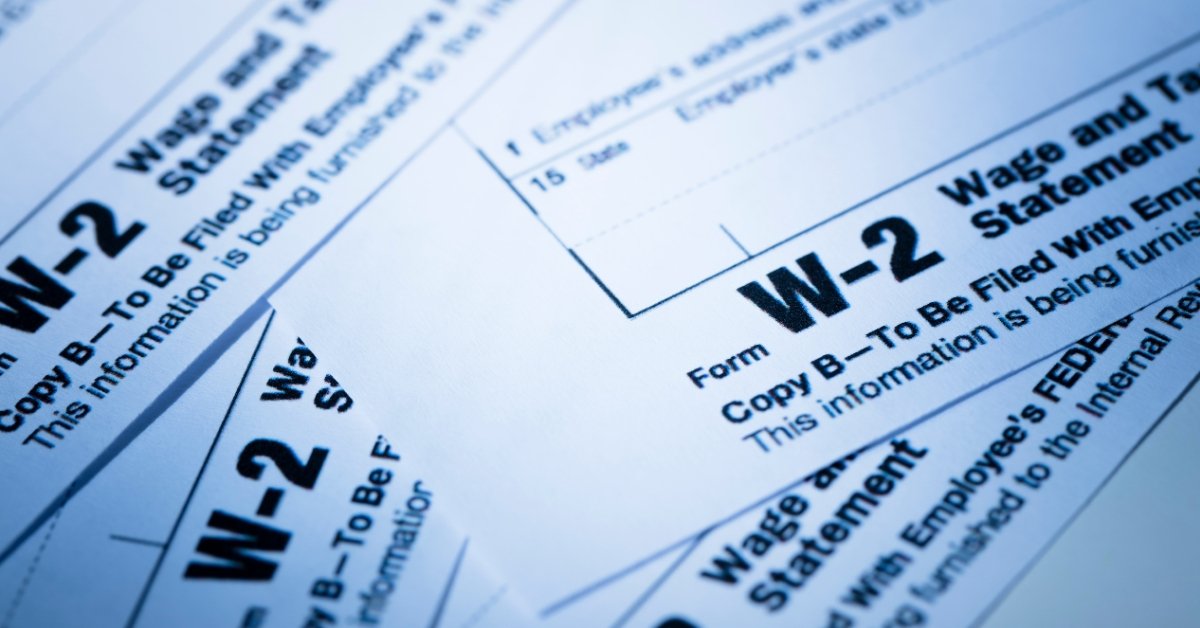
How W-2 Generators Simplify Workforce Data Management?
W-2 generator streamlines all the steps of generating and maintaining employee tax forms. Businesses can automate most tasks instead of dealing with spreadsheets and manually making calculations.
-
Accurate Data Management
All data regarding the employee’s payroll can be stored in a single location using a W-2 generator. This simplifies record keeping, updating information, and accessing data when it is required.
-
Automated Calculations
The calculator does the calculation of wages, tax withholdings, and totals automatically. This minimizes the possibilities of human error and ensures proper reporting of each employee.
-
Consistent Formatting
All W-2 forms are generated in a uniform format, which makes them easy to read and compliant with official standards. Consistency improves both internal management and external reporting.
-
Faster Processing
Instead of spending days preparing forms manually, businesses can generate W-2 forms for the entire workforce in minutes. This is especially useful during tax season.
-
Easy Distribution
W-2 generators enable the sharing or exporting of forms in PDF or digital formats so that they can be distributed among employees and readily maintained.
Step-by-Step Guide to Using a W-2 Generator
Managing workforce data becomes much easier when you follow a structured process.
Step 1: Collect Employee Information
Gather all required employee data, including:
- Full name and address.
- Social Security Number (SSN).
- Total wages and salaries.
- Tax withholdings and deductions.
Accurate data collection is essential to avoid errors in final reports.
Step 2: Choose a Reliable W-2 Generator
Select a secure and user-friendly W-2 generator that offers:
- Automated calculations.
- Customizable templates.
- Secure data handling.
- Export options (PDF/Excel).
Step 3: Enter Workforce Data
Enter the staff information into the system. Bulk uploading can save much time and effort in the case of a large organization.
Step 4: Verify and Review Data
Carefully review all entries to ensure:
- Correct wage calculations.
- Accurate tax deductions.
- Proper employee details.
This step ensures compliance and prevents costly mistakes.
Step 5: Generate W-2 Forms
Once verified, generate W-2 forms for all employees. The system will format each document automatically, ensuring consistency.
Step 6: Export and Distribute
Download forms as PDFs for sharing with employees and tax authorities. Maintain digital copies for future reference and audits.
Read our Blog on “Use W-2 Form Generator for Employee Income Records”
Sample Workforce W-2 Data Table
| Employee Name | Annual Salary ($) | Tax Withheld ($) | Net Income ($) |
| John Smith | 50,000 | 8,000 | 42,000 |
| Sarah Khan | 65,000 | 10,500 | 54,500 |
| Ali Raza | 40,000 | 6,200 | 33,800 |
| Maria Lopez | 55,000 | 9,000 | 46,000 |
This table shows how employee financial data is structured before generating W-2 forms.
Benefits of Using a W-2 Generator for Large Workforces
A W-2 generator has some benefits for businesses that handle bulk amounts of employee information. The larger the workforce, the more inefficient and error-prone manual processes are.
-
Improved Accuracy
An automated calculation of wages, deductions, and tax withholdings is conducted by a W-2 generator. This helps eliminate the risks of human error, which is common with manual data entry.
-
Time Efficiency
Certainly, it can take days or weeks to prepare W-2s for a large workforce manually. Businesses are able to generate hundreds of forms in minutes with a generator.
-
Better Compliance
Tax regulations require precise and timely reporting. A W-2 generator makes sure that all forms follow standardized formats and include the necessary details required by authorities.
-
Scalable Solution
As businesses grow, managing employee data becomes more complex. A W-2 generator easily scales with your workforce, which allows you to handle increasing data without additional effort.
-
Organized Record-Keeping
We store all employee information and generated forms in a structured and accessible way. This makes it easier to retrieve records during audits, financial reviews, or internal reporting.
When Should Businesses Use a W-2 Generator?
A W-2 generator is especially useful in the following situations:
- Businesses that have a large number of employees.
- Businesses preparing for tax season
- Organizations managing payroll across multiple departments
- Employers needing accurate and quick reporting
If you use the generator regularly, it ensures smooth payroll operations and stress-free tax filing.
Final Thoughts
Managing large workforce data can be challenging and very time-consuming without the right tools and software. A W-2 generator makes the process of generating W-2s easier by automating calculations, organizing employee data, and generating professional tax forms quickly.
By using this online service, businesses can reduce errors, save time, and maintain compliance with tax regulations. Whether you are handling dozens or thousands of employees, a structured and automated approach ensures efficient workforce data management.
FAQs
Can a W-2 generator handle large workforce data?
Yes, most W-2 generators are designed to efficiently manage bulk employee data, making them ideal for large organizations.
Is it safe to store employee data in a W-2 generator?
Yes completely. It is safe to use the W-2 online generator, which uses secure encryption and data protection measures to keep sensitive employee information safe.
Can I edit W-2 forms after generating them?
Yes, you can review and update data using an online W-2 generator before finalizing the forms to ensure accurate results.
Can W-2 forms be shared digitally?
Yes, they can be exported as PDFs and shared electronically with employees or tax authorities.